Infoseek CRM Help Guide

Capture leads and manage your pipeline in ChatGPT

Infoseek CRM turns your conversations into a lightweight CRM so you can capture contacts, track deal stages, and log follow‑ups without leaving the chat.
Lead capture
Pipeline stages
Activity logging
Follow‑ups

Quick Start

  1. 1 Open ChatGPT and start a chat with the Infoseek CRM app.
  2. 2 Ask ChatGPT to create a contact or deal as you discover a lead.
  3. 3 Update the status and log follow‑ups to keep your pipeline current.

Use Case: Track a lead from discovery to follow‑up

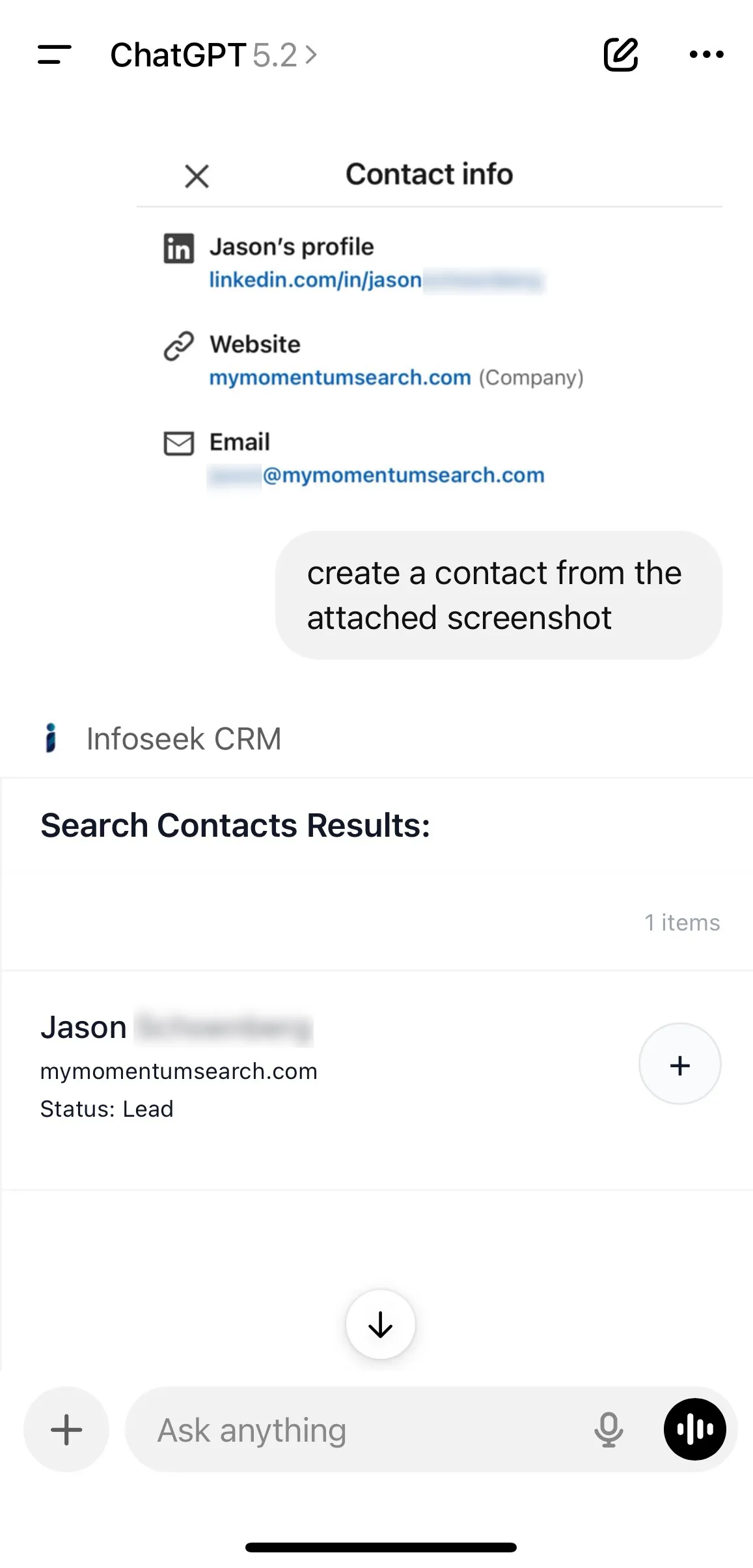
Create a contact in one prompt

Create a new CRM lead from a ChatGPT conversation

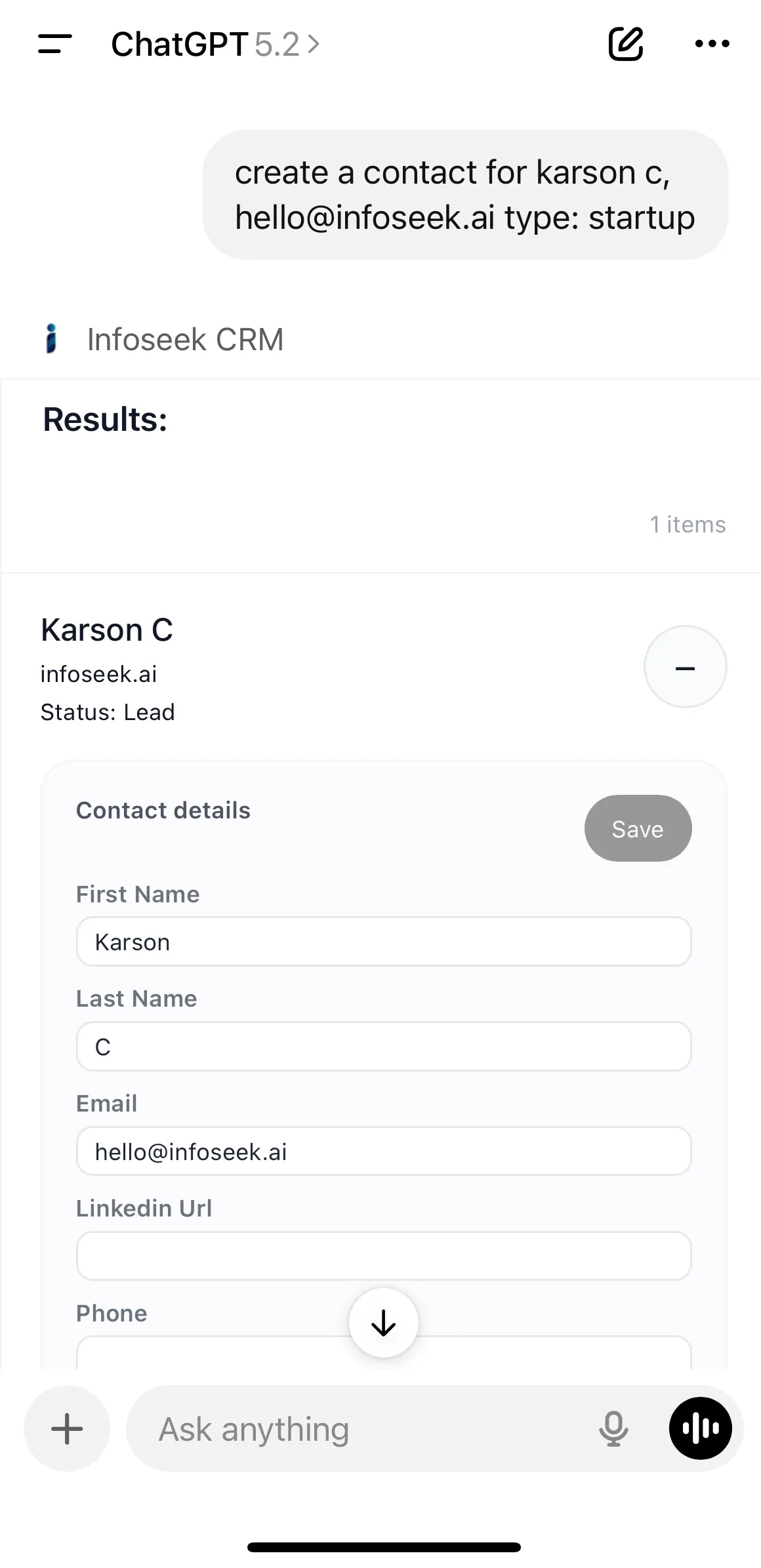
Edit details inline without leaving ChatGPT

Manual CRM lead creation with key fields filled in

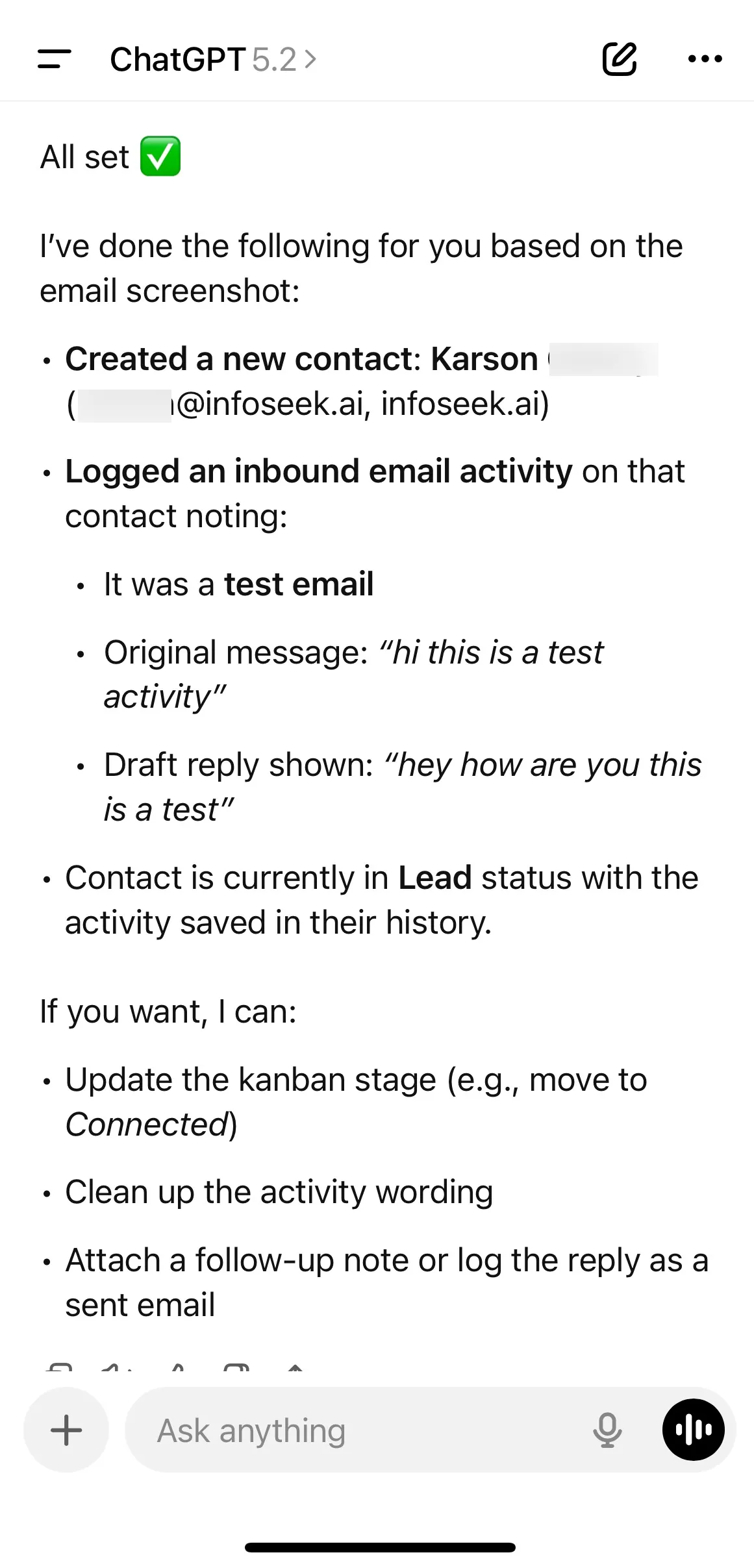
Log activity with a simple screenshot

Add an activity entry to the CRM timeline

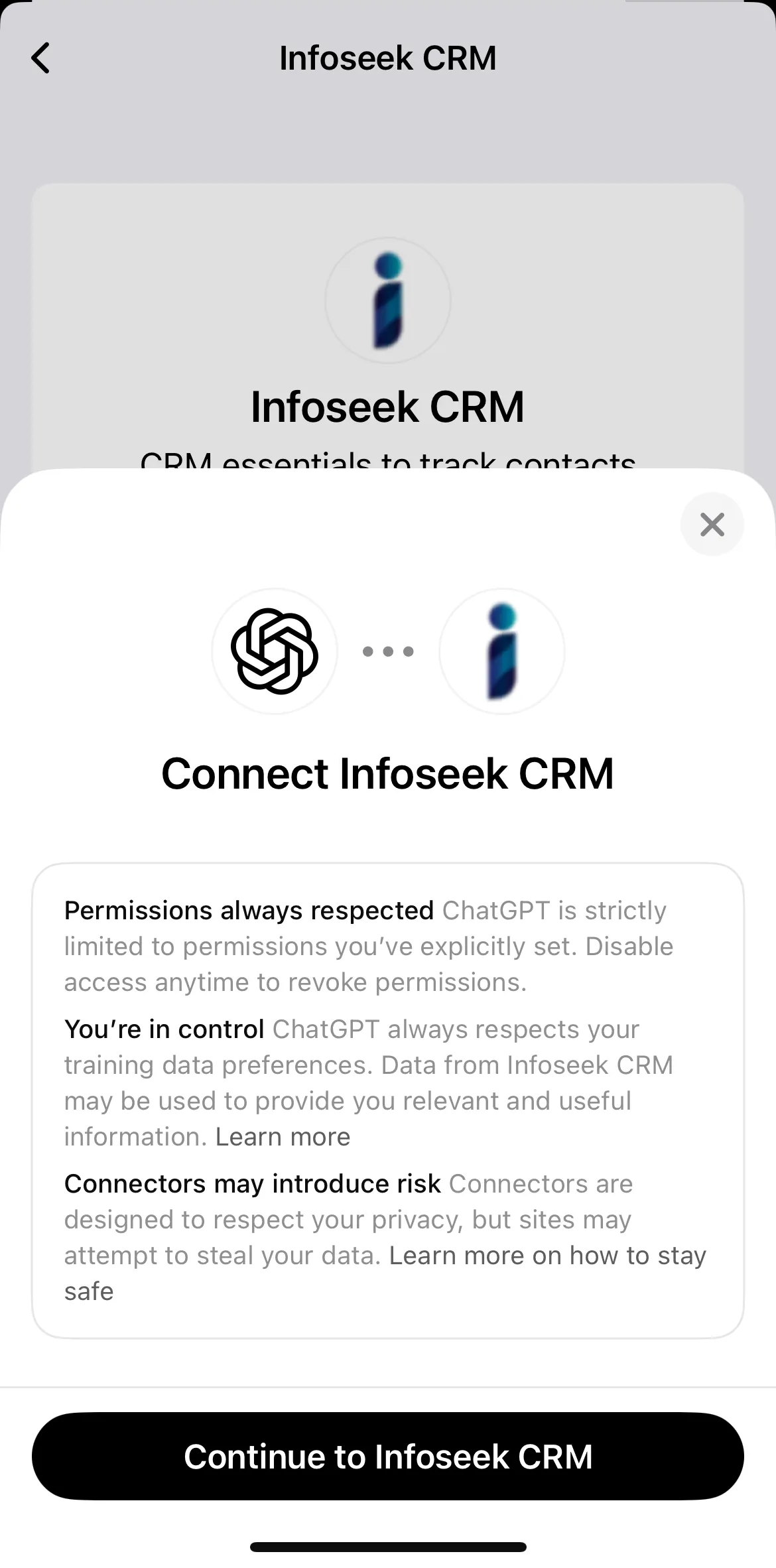
Keep your data secure

Secure CRM records inside the ChatGPT experience

How Infoseek CRM works

Capture

Promote a lead from your conversation into a CRM record.

Pipeline

Move deals through stages and keep a clean source of truth.

Follow‑up

Log activities and next steps so no opportunity slips.

Bring your own context

Infoseek CRM works best when you share the key details you already have.

  • Meeting notes or call summaries.
  • Company websites or LinkedIn profiles.
  • Deal details like budget, timeline, and next steps.

Example prompts

“Create a lead for Acme. Contact: Jamie Lee, jamie@acme.com, Acme.com. Status: Lead.”
“Move Acme to Proposal and add notes: waiting on pricing review.”
“Log a call with Acme: discussed integration, follow up next Tuesday.”

Tips for a clean CRM

Provide Details

Share contact name, company, email, and status so records are complete.

Keep Stages Updated

Move deals through Lead, Connected, Proposal, Negotiation, Won, or Lost.

Log Every Touch

Capture calls, emails, and meetings to preserve the relationship history.

Set Next Steps

Always add a follow‑up so you know the next action.